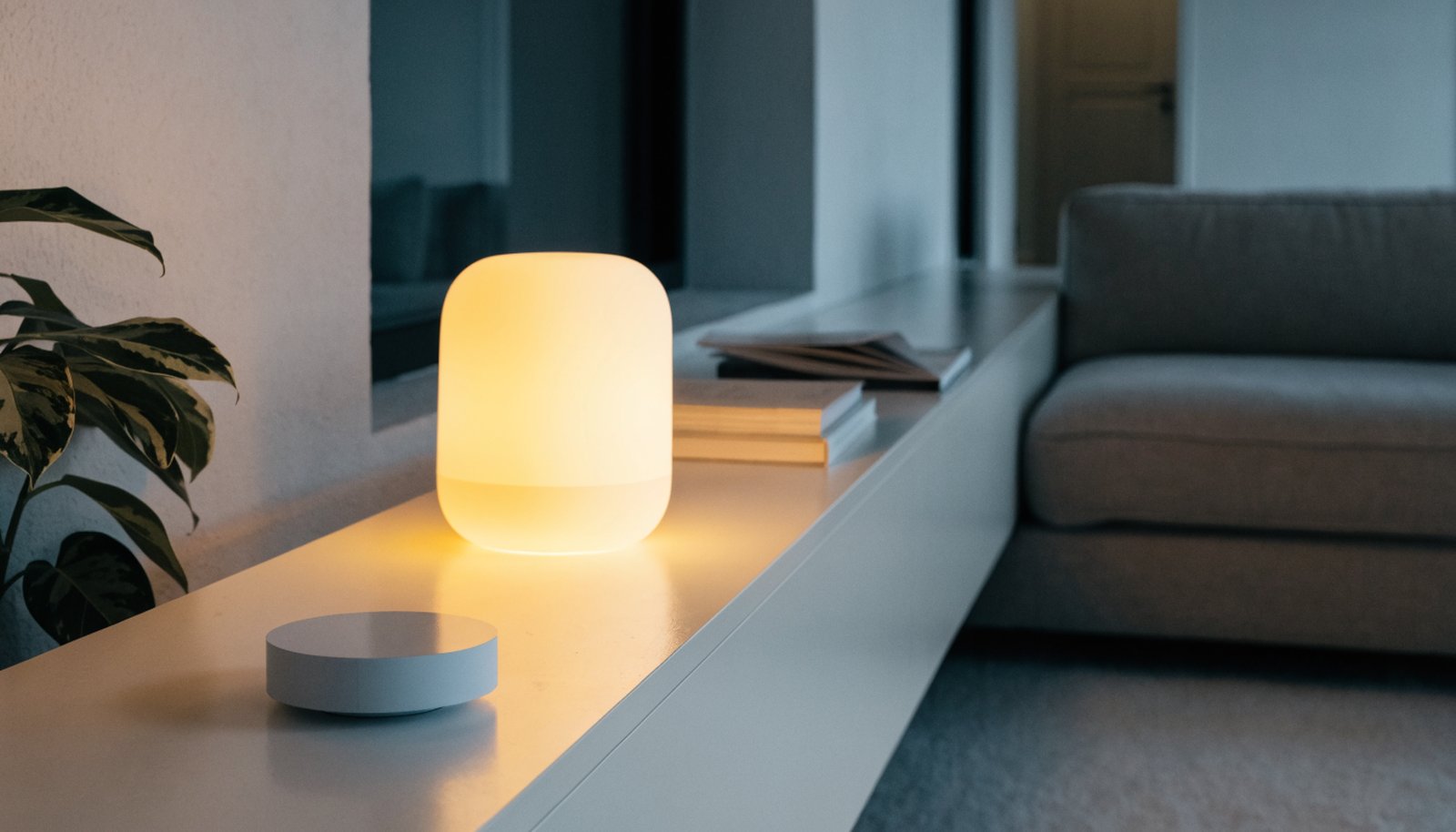
SwitchBot AI Hub Review: Where a Local-First Hub Fits Next to Alexa and Google
This switchbot ai hub review starts from the listing itself, because that’s the only place any of this is confirmed right now: SwitchBot AI Hub, described by the retailer as an AI smart home hub with OpenClaw support, local NVR camera storage, Home Assistant pre-installed, a Matter bridge, dual-band Wi-Fi, and a 16GB MicroSD card included in the box. That’s a dense list for one small device, and it tells you more about the decision in front of you than any lifestyle photo would.
Most smart home hubs sold today ask you to pick a side. Amazon and Google want your voice commands and your data routed through their cloud, in exchange for the widest device compatibility and the least setup friction. Home Assistant, on the other end, gives you local control and no cloud dependency, but historically at the cost of buying separate hardware, flashing software, and accepting that you are now the person responsible for updates. SwitchBot is positioning this hub as a bridge across that gap: buy one box, get Home Assistant already running on it, and still get a Matter bridge so it can talk to the other ecosystems already in your house.
What “Home Assistant pre-installed” actually saves you
If you’ve looked at Home Assistant before and backed away, it was probably at the install step. The software itself is well regarded, but getting it onto a Raspberry Pi or a NUC, then keeping the OS current, has been the actual barrier for a lot of buyers. A hub that ships with Home Assistant already configured removes that step entirely, at least in theory. What SwitchBot hasn’t published is how much of the Home Assistant experience is locked down versus left open — whether you can install community add-ons and custom integrations the way you could on your own hardware, or whether this is a more curated version. That distinction matters more to your day-to-day experience than almost anything else on the spec list, and until SwitchBot documents it, treat it as an open question rather than an assumption in either direction.
Local NVR storage and the camera question
Local NVR camera storage is the other headline feature, and it addresses a real complaint with cloud-camera systems: monthly subscription fees just to keep more than a day of footage, and a camera that stops recording anything useful the moment your internet drops. Storing footage on the hub itself, backed by the included MicroSD card, sidesteps both problems for compatible cameras. The open question is which cameras qualify. SwitchBot sells its own camera lineup, and Matter’s video story is still maturing across the industry, so whether third-party cameras can feed into this hub’s local storage — or whether it’s scoped to SwitchBot’s own hardware — isn’t something the listing spells out. Anyone buying primarily for the camera-storage angle should confirm that compatibility list applies to the cameras they already own before assuming it will.
OpenClaw support and the Matter bridge
OpenClaw support is listed but not explained in any detail a shopper can currently verify independently, so it’s worth treating as a named feature to research further rather than a settled selling point. The Matter bridge is more familiar territory: it lets non-Matter devices already in your home appear to Matter-compatible apps and hubs, which is the same trick most modern hub launches lean on. It’s a genuinely useful feature if you have a mix of older smart plugs, locks, or sensors from different brands and want one place to see all of them — but it doesn’t retroactively make an old device smarter, it just gives it a translator.
Dual-band Wi-Fi and where the hub physically sits
Dual-band Wi-Fi support is a small but practical detail worth flagging on its own. A lot of budget hubs only connect on the older, more crowded Wi-Fi band, which gets slower and less reliable the more smart devices, laptops, and phones compete for it in a typical home. Dual-band support lets the SwitchBot AI Hub join the less congested band for its own connection, which matters more the larger a household’s device count gets. It doesn’t change anything about local control or camera storage, but it’s the kind of unglamorous spec that determines whether a hub feels snappy a year in or starts lagging once the network fills up.
Who Actually Benefits From Buying This Hub
The clearest buyer for the SwitchBot AI Hub is someone who already owns a handful of SwitchBot devices — curtain motors, locks, plugs — and has been managing them through SwitchBot’s own app while eyeing Home Assistant from a distance. For that person, this hub is a lower-friction on-ramp: existing devices likely integrate cleanly, and the local-control and local-storage angle solves problems that cloud-dependent smart homes eventually run into, like an internet outage disabling your door lock’s automation or a camera subscription quietly renewing.
A second reasonable buyer is someone building a smart home mostly from scratch who wants to avoid being locked into one company’s ecosystem later. Starting with a Matter-bridging, Home-Assistant-based hub instead of a single-brand speaker-hub keeps more doors open as you add devices from different manufacturers over time.
Who should look elsewhere: anyone who wants voice control as the primary interface. Home Assistant supports voice add-ons, but it isn’t built around a wake word and a natural conversational assistant the way an Echo or Nest speaker is, and nothing in the listing suggests this hub changes that. If your mental model of a smart home hub is “something I talk to,” an Alexa- or Google-based hub will still feel more finished for that specific job. Likewise, if you have zero existing smart devices and no interest in ever poking around a settings menu, a simpler single-ecosystem starter kit will get you to a working setup with less to learn.
What SwitchBot Hasn’t Told Buyers Yet
A fair review of a just-launched product has to be honest about the gaps in the public record, and there are several here. SwitchBot hasn’t published how many devices or cameras the hub can manage before performance degrades, how frequently it needs firmware updates, or how the local storage behaves once the included card fills up — does it overwrite the oldest footage automatically, or does recording simply stop? None of that is stated on the listing, and inventing an answer would be worse than leaving the question open. The same goes for how “AI” is actually implemented here beyond the name: whether that means on-device processing for things like camera object detection, a cloud-connected assistant layer, or something else entirely isn’t detailed in what’s published.
The safest approach for a cautious buyer is to treat the confirmed feature list — Home Assistant, Matter bridge, local NVR storage, dual-band Wi-Fi, the included MicroSD card — as the reason to buy, and treat anything not on that list as unconfirmed until SwitchBot’s own documentation or early adopters fill in the blanks.
It’s also worth remembering that this is SwitchBot’s first product carrying the “AI Hub” name, not an incremental update to a hub the company has been refining for years. First-run hardware from an established smart home brand tends to work reasonably well on the basics — SwitchBot has shipped hubs, cameras, and sensors before, so the underlying hardware competence is a reasonable assumption — but the newest, most heavily marketed feature on a first-generation product is also the one most likely to get refined through software updates after launch rather than arriving fully finished. Buyers who wait for early-adopter feedback to surface, versus buyers who want the current feature set now, are making two different but equally reasonable bets.
The Bottom Line
The SwitchBot AI Hub is aimed squarely at the buyer who wants Home Assistant’s local control and Matter’s cross-brand compatibility without the DIY hardware step that’s kept both out of reach for a lot of shoppers. That’s a real and underserved niche, and the listed feature set backs it up on paper. It is not aimed at someone who wants a voice-first assistant, and it’s not yet clear how open or how limited the pre-installed Home Assistant setup really is. If the local-first pitch matches how you already think about your smart home, it’s a reasonable one to add to your cart and configure carefully; if you just want something that works the moment you say a wake word, keep looking.
As an Amazon Associate, we earn from qualifying purchases.