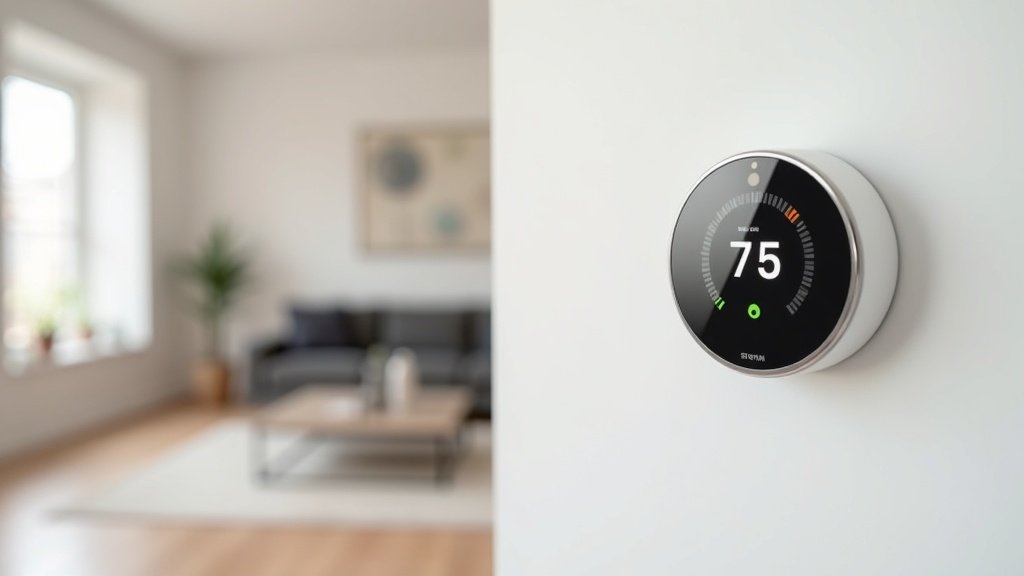
- The Best Wi-Fi Thermostats Under $100: Save Money Without Spending a Fortune
- Top 5 Wi-Fi Thermostats Under $100: Comparison
- 1. Wyze Thermostat — Best Overall Under $100
- 2. Amazon Smart Thermostat — Best for Alexa Homes
- 3. Honeywell Home T5 Wi-Fi Thermostat — Most Reliable
- 4. Emerson Sensi Lite ST26 — Easiest Installation
- 5. Google Nest Thermostat (2024 Model) — Best at $100
- Buying Guide: What to Look for in a Budget Smart Thermostat
- Frequently Asked Questions
- Final Verdict
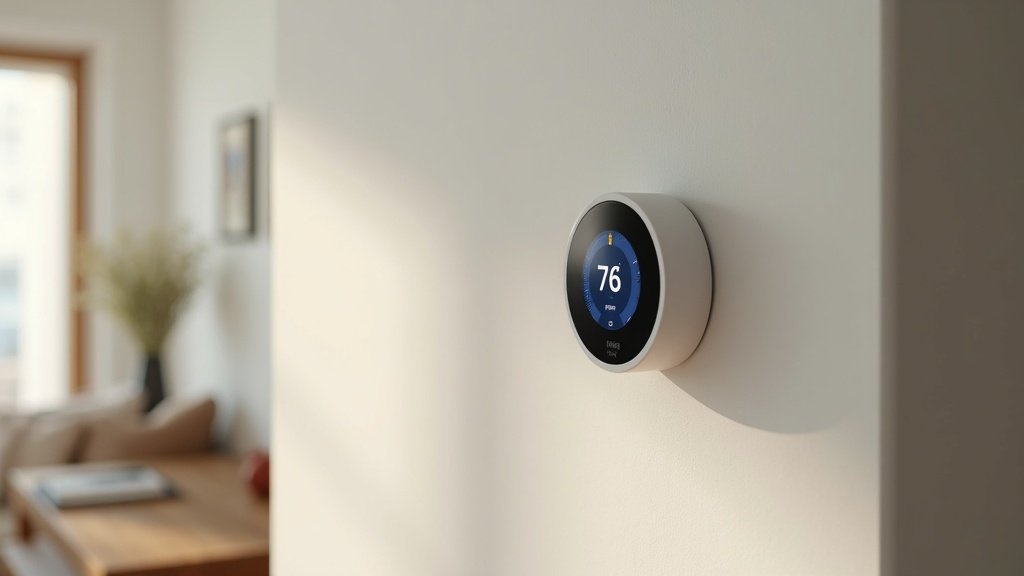
The Best Wi-Fi Thermostats Under $100: Save Money Without Spending a Fortune
A smart thermostat is one of the best investments you can make for your home. It pays for itself through energy savings, often within the first few months. But you do not need to spend $200 or more on a Nest or Ecobee to get great results.
In this guide, we tested and reviewed the best Wi-Fi thermostats under $100. These affordable options still offer app control, voice assistant compatibility, energy-saving scheduling, and easy DIY installation. Here are our top picks for 2026.
Top 5 Wi-Fi Thermostats Under $100: Comparison
| Rank | Product | Best For | Voice Assistants | C-Wire Required | Approx. Price |
|---|---|---|---|---|---|
| 1 | Wyze Thermostat | Best overall value | Alexa, Google | No (adapter included) | ~$50 |
| 2 | Amazon Smart Thermostat | Alexa users | Alexa | No (C-wire adapter included) | ~$60 |
| 3 | Honeywell Home T5 (RTH8560D) | Reliability | Alexa, Google, HomeKit | Yes | ~$85 |
| 4 | Emerson Sensi Lite ST26 | Easy install | Alexa, Google, HomeKit | No | ~$70 |
| 5 | Google Nest Thermostat (2024) | Google Home users | Google, Alexa | No (connector included) | ~$100 |
1. Wyze Thermostat — Best Overall Under $100

The Wyze Thermostat delivers an astonishing amount of value for around $50. It features a clean, modern design with a simple LED display, app-based smart scheduling, and compatibility with both Alexa and Google Assistant. Wyze even includes a C-wire adapter in the box, solving the most common installation headache with budget thermostats.
Key Features
- App-controlled scheduling with temperature presets for home, away, and sleep
- Compatible with most HVAC systems (1-stage and 2-stage heating/cooling, heat pump)
- C-wire adapter included — no extra purchase needed
- Energy usage history tracking in the Wyze app
- Works with Alexa and Google Assistant for voice control
Pros & Cons
Pros: Unbeatable price, clean design, C-wire adapter included, effective scheduling, easy app setup.
Cons: No Apple HomeKit support, no built-in learning algorithm, display is basic compared to Nest.
The Wyze Thermostat proves you do not need to spend $200+ to get reliable smart temperature control. For most homes, it covers everything you need.
2. Amazon Smart Thermostat — Best for Alexa Homes
Made in partnership with Honeywell Home, the Amazon Smart Thermostat is designed specifically for Alexa-centric smart homes. It supports Alexa Hunches, which means Alexa can automatically adjust the temperature based on your routines and presence detection from Echo devices.
Key Features
- Alexa Hunches: automatic temperature adjustments based on your patterns
- Energy Star certified — can save an average of $50 per year on energy bills
- Compatible with most 24V HVAC systems
- C-wire adapter included in the box
- Simple design with an LED display and touch bar
Pros & Cons
Pros: Deep Alexa integration, Hunches feature for automatic adjustments, Energy Star certified, affordable.
Cons: No Google Assistant or HomeKit support, relies heavily on Alexa ecosystem, basic display.
3. Honeywell Home T5 Wi-Fi Thermostat — Most Reliable
Honeywell is the legacy name in home climate control, and the T5 Wi-Fi Thermostat brings that reliability into the smart home era. It supports flexible scheduling (7-day or geofencing-based), works with all three major voice assistants, and features Honeywell’s proven HVAC compatibility.
Key Features
- 7-day flexible scheduling with location-based temperature control (geofencing)
- Works with Alexa, Google Assistant, and Apple HomeKit
- Auto changeover between heating and cooling
- Backlit touchscreen display
- Honeywell Home app with energy reports
Pros & Cons
Pros: Proven Honeywell reliability, supports all major voice assistants including HomeKit, geofencing, touchscreen.
Cons: Requires a C-wire (no adapter included), slightly more expensive than Wyze or Amazon, design is more utilitarian.
4. Emerson Sensi Lite ST26 — Easiest Installation
The Emerson Sensi Lite ST26 is designed for painless DIY installation. It does not require a C-wire for most systems, the app walks you through setup step by step, and it works with a wide range of HVAC equipment. It also supports HomeKit, making it a solid option for Apple users on a budget.
Key Features
- No C-wire needed for most systems
- Step-by-step guided installation in the Sensi app
- Works with Alexa, Google Assistant, Apple HomeKit, and SmartThings
- 7-day programmable scheduling
- Remote access from anywhere via the Sensi app
Pros & Cons
Pros: No C-wire required, HomeKit support, excellent guided install, wide HVAC compatibility.
Cons: No touchscreen (button-based), no learning capabilities, design looks dated compared to Wyze or Nest.
5. Google Nest Thermostat (2024 Model) — Best at $100
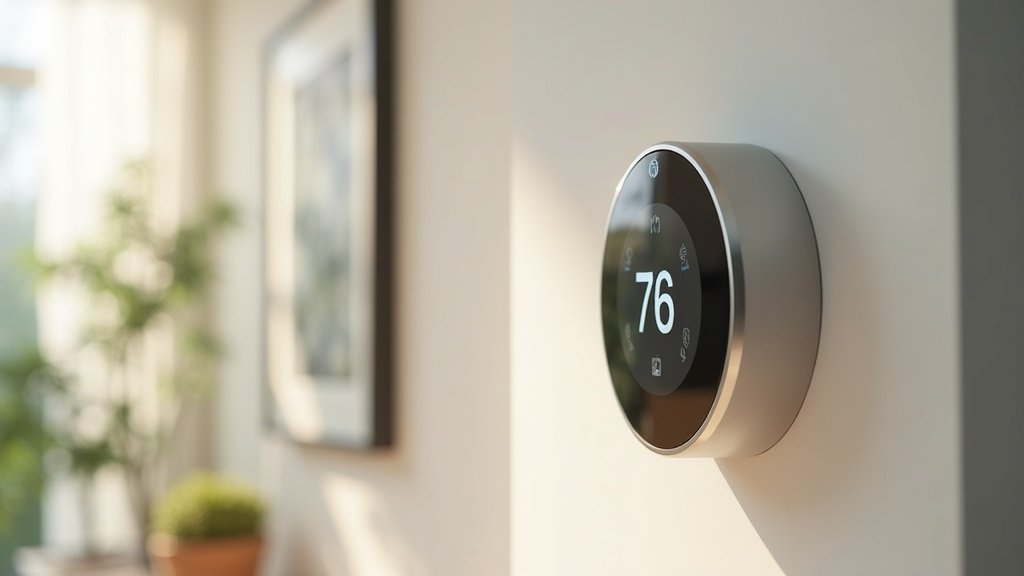
Right at the $100 mark, the Google Nest Thermostat brings the Nest brand’s iconic design and smart features into the affordable range. It features a sidelit mirrored display, energy-saving suggestions based on your usage patterns, and tight integration with the Google Home app.
Key Features
- Sidelit mirrored display that blends into your wall
- Savings Finder: suggests schedule tweaks to save energy
- Quick Schedule setup during installation
- Trim kit included for C-wire connector compatibility
- Works with Google Assistant and Alexa
Pros & Cons
Pros: Beautiful design, Savings Finder feature, Google Home integration, C-wire connector included.
Cons: Right at the $100 limit, no Apple HomeKit, lacks the full learning features of the Nest Learning Thermostat.
Buying Guide: What to Look for in a Budget Smart Thermostat
HVAC Compatibility
Before buying any thermostat, check that it supports your heating and cooling system. Most budget thermostats work with standard 24V forced-air systems, but if you have a heat pump, multi-stage system, or radiant floor heating, verify compatibility on the manufacturer’s website.
C-Wire Consideration
The C-wire (common wire) provides constant power to the thermostat. Many older homes do not have one. Budget thermostats like the Wyze and Amazon Smart Thermostat include a C-wire adapter, which is a major convenience. If your home lacks a C-wire and the thermostat does not include an adapter, you may need to hire an electrician.
Voice Assistant Compatibility
If you are locked into a specific ecosystem, make sure your thermostat works with it. Alexa-only households will love the Amazon Smart Thermostat. Apple HomeKit users should look at the Honeywell T5 or Sensi Lite. Google Home users will benefit most from the Nest Thermostat.
Energy Savings Potential
According to the EPA, a properly used smart thermostat can save approximately $50 per year on heating and cooling costs. Features like geofencing (auto-away when you leave), smart scheduling, and energy usage reports help maximize savings. A $50–$100 thermostat can pay for itself in the first year.
Frequently Asked Questions
Q: Can I install a Wi-Fi thermostat myself?
A: Yes, most Wi-Fi thermostats are designed for DIY installation. You will need to turn off power to your HVAC system, remove the old thermostat, label the wires, and connect them to the new unit. The process takes 15–30 minutes. Most brands include step-by-step guides and video tutorials.
Q: Do cheap smart thermostats actually save money?
A: Absolutely. Even basic smart scheduling and auto-away features can reduce energy consumption significantly. The EPA estimates average annual savings of $50 with an Energy Star certified thermostat. The key is actually using the scheduling and away features rather than just manually adjusting the temperature.
Q: What happens to my smart thermostat if Wi-Fi goes down?
A: Your thermostat will continue to heat and cool according to its last scheduled program. You just will not be able to control it remotely or via voice commands until Wi-Fi is restored. The thermostat never fully stops working due to a Wi-Fi outage.
Q: Is the Google Nest Thermostat worth the extra money over the Wyze?
A: If you are a Google Home user and value the premium mirrored display and Savings Finder feature, the Nest is worth the upgrade. If you just want reliable smart scheduling and voice control at the lowest price, the Wyze Thermostat gets the job done at half the cost.
Is It Worth It?
The Wyze Thermostat is our top pick for the best Wi-Fi thermostat under $100. At roughly $50, it offers smart scheduling, voice control, and a C-wire adapter — everything most homeowners need. For Alexa-heavy homes, the Amazon Smart Thermostat is a fantastic alternative with Hunches-based automation. And if you want the sleekest design and are willing to spend the full $100, the Google Nest Thermostat is a beautiful and capable choice.
Whichever you choose, upgrading from a basic thermostat to a smart Wi-Fi thermostat is one of the simplest ways to lower your energy bills and increase your home’s comfort.

Home Product Expert
James is the founder and lead reviewer at The Home Picker. With over 8 years of experience in home product research and testing, he has personally evaluated hundreds of products — from robot vacuums and air purifiers to smart home devices. His reviews are based on hands-on testing, spec analysis, and real-world performance data. Read full bio →
James is the founder of The Home Picker. He has spent years researching and testing home products, from robot vacuums to smart home devices, to help readers make informed buying decisions. Learn more
Want a deeper look at what separates a good smart home device from a great one? Read our Smart Home Buying Guide.
You May Also Like
Founder & Lead Reviewer at TheHomePicker
James has spent 3+ years testing smart home products. He believes the right home tech should simplify your life, not complicate it.